
Key Takeaways
- AI can help apparel teams test visual directions before committing to physical samples or full photo shoots.
- Strong outputs begin with strong inputs, including sketches, swatches, fit notes, approved colors, and brand references.
- Generated imagery should support design and marketing decisions, not replace technical specifications or product approval.
- Human review is essential for checking construction, proportion, fabric behavior, logos, and shopper-facing accuracy.
- Small teams can start with one focused use case, then expand after the process is reliable.
Why Fashion Workflows Are Changing
Apparel teams often need to make creative, merchandising, and marketing decisions before every sample, location, model, or product image is available. AI fashion design can help teams turn a rough idea into a clearer visual direction, making it easier to compare options and communicate what should happen next.
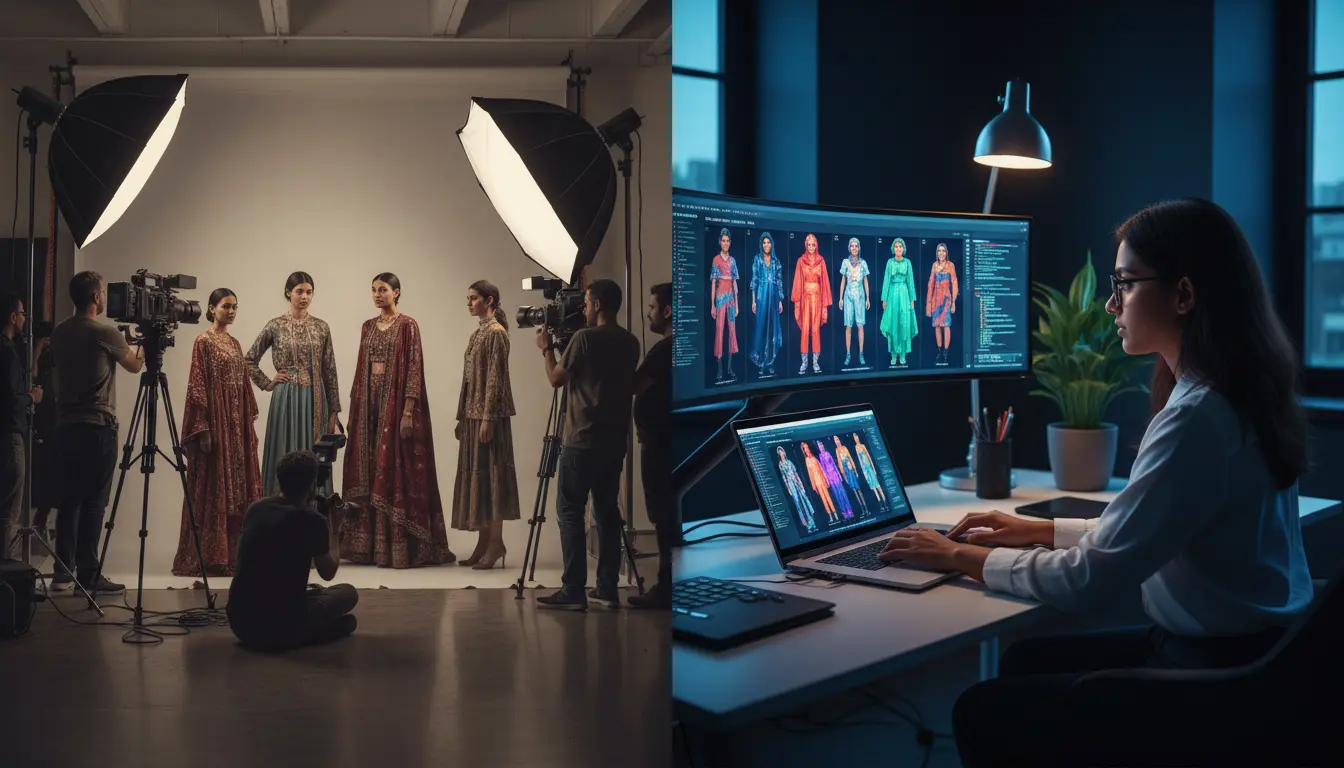
This does not remove the need for designers, developers, pattern makers, photographers, or merchandisers. Instead, it can reduce repeated visual work between those roles. A small outerwear label, for example, can review three color options for a commuter jacket before requesting samples, then use the preferred direction to guide later development.
What AI Fashion Design Can Help With
AI fashion design refers to using generative tools to support concept development and product presentation. Teams may use it to turn written descriptions, sketches, or approved references into early garment concepts, styling ideas, moodboards, on-model views, and campaign directions.
- Exploring silhouettes, proportions, materials, colors, and print ideas.
- Creating several visual directions for a collection or individual SKU.
- Testing outfits, accessories, lighting, backgrounds, and poses.
- Preparing visual references for e-commerce pages, line sheets, and campaigns.
An AI image is not a finished technical design. Manufacturing still depends on measurements, graded specifications, construction details, fabric testing, trim selection, costing, and factory communication. Treat generated visuals as a decision-making layer that works alongside the technical product-development process.
Build A Clear Starting Point
Useful results usually come from a concise, structured brief rather than a vague request. Before generating anything, define the garment type, intended customer, use case, fabric, color, texture, fit, fixed details, viewing angle, and the exact variables that should change between versions.
For example, a prompt might describe a lightweight commuter jacket for urban cycling, with a relaxed fit, matte recycled nylon, two zip chest pockets, a high collar, and charcoal color. It can then request alternate colorways while keeping the cut, pocket placement, and zipper hardware unchanged. The prompt supports the brief, but it should never substitute for a tech pack.
Use A Step-By-Step Apparel Workflow
Step 1: Collect References
Start with the approved sketch, fabric swatches, color codes, trim references, logo files, fit notes, and existing product imagery. A shared reference folder reduces confusion and gives design, marketing, and merchandising teams a consistent starting point.
Step 2: Create Early Concepts
Generate multiple directions instead of pursuing one perfect image immediately. Compare the silhouette, styling, scale, and overall mood. At this stage, the goal is to identify promising directions and reject weak ones early.
Step 3: Review Garment Details
Inspect collars, seams, pockets, closures, hems, panels, prints, and embellishments. A visually appealing image can still be unusable if it moves a pocket, changes a placket, adds an unapproved feature, or creates a fabric texture the product will not have.
Step 4: Test Colorways And Materials
Control the experiment. If the team is evaluating color, hold the silhouette and styling steady. If it is evaluating fabric, keep the construction and palette fixed. This makes comparisons clearer and prevents unrelated changes from distorting the decision.
Step 5: Add On-Model Context
Once a direction is approved, explore how the garment may read on a model in different poses, styling combinations, or settings. Review proportions carefully because an image may make a sleeve, hem, shoulder, or fit appear different from the actual product.
Step 6: Prepare Content Directions
An approved visual system can guide product page angles, social posts, email graphics, line sheets, and campaign concepts. It also helps creative teams align on the desired lighting, background, casting, and styling before committing resources to final production.
Keep Human Review At The Center
Human review is a quality-control stage, not a final formality. Designers and product specialists should compare every image with the approved product information and ask whether the construction is accurate, the fabric looks believable, the styling suits the customer, and the visual could mislead a shopper.
In September 2026, two designers used AI to virtually style runway looks and visualize runway settings while remaining in control of the creative choices. That is the practical model for apparel teams: use the system to explore and organize possibilities, then rely on experienced people to decide what is valid, on-brand, and ready to move forward.
Where Product Visualization Adds Value
- Early design decisions: Teams can compare directions before ordering more samples or building full campaign treatments.
- Merchandising: Buyers and planners can review color balance, outfit pairings, and assortment cohesion in a clearer visual format.
- Product pages: Teams can plan image sequences, crops, backgrounds, and styling before final photography is completed.
- Campaign planning: Creative leads can test locations, lighting, pose ideas, and visual tone before production.
Common Risks And How To Reduce Them
- Wrong details: Compare outputs against approved sketches and product references.
- Unrealistic fabric behavior: Use real swatches, close-up photography, and material notes as references.
- Inconsistent imagery: Save approved directions for models, pose, lighting, composition, and styling.
- Misleading claims: Do not show features, fit, colors, or accessories that the finished item will not include.
- Rights and consent issues: Use licensed assets and approved images of people, artwork, prints, and logos.
How To Measure Workflow Results
Measure outcomes, not image volume. Track the time required to produce a first concept, revision cycles before approval, physical samples ordered, campaign-planning costs, and the percentage of visuals approved without major changes. Faster output matters only when it improves decisions and reduces avoidable rework.
What Teams Can Learn From AI Commerce Tests
AI visualization is moving closer to the customer experience as well. In June 2026, Stitch Fix added an on-demand “See it on me” feature to its shopping experience. For apparel teams, the lesson is clear: visual personalization can be useful, but fit, sizing, construction, and image labeling still need careful attention.
A Simple Adoption Plan For Small Teams
- Choose one workflow, such as colorway testing or campaign planning.
- Create a reference kit with approved imagery, colors, fabrics, logos, and fit notes.
- Assign reviewers for product accuracy, brand alignment, and usage rights.
- Run a pilot on one product or a short collection.
- Compare time, cost, revisions, and team feedback with the previous process.
- Expand only after the pilot produces dependable results.
Final Thoughts
AI fashion design and product visualization can make apparel work clearer and easier to test. The strongest workflow is built on reliable references, defined goals, controlled variations, and careful human review. Teams that use AI as a practical creative partner can explore more options while protecting the craft, accuracy, and judgment that fashion products require.